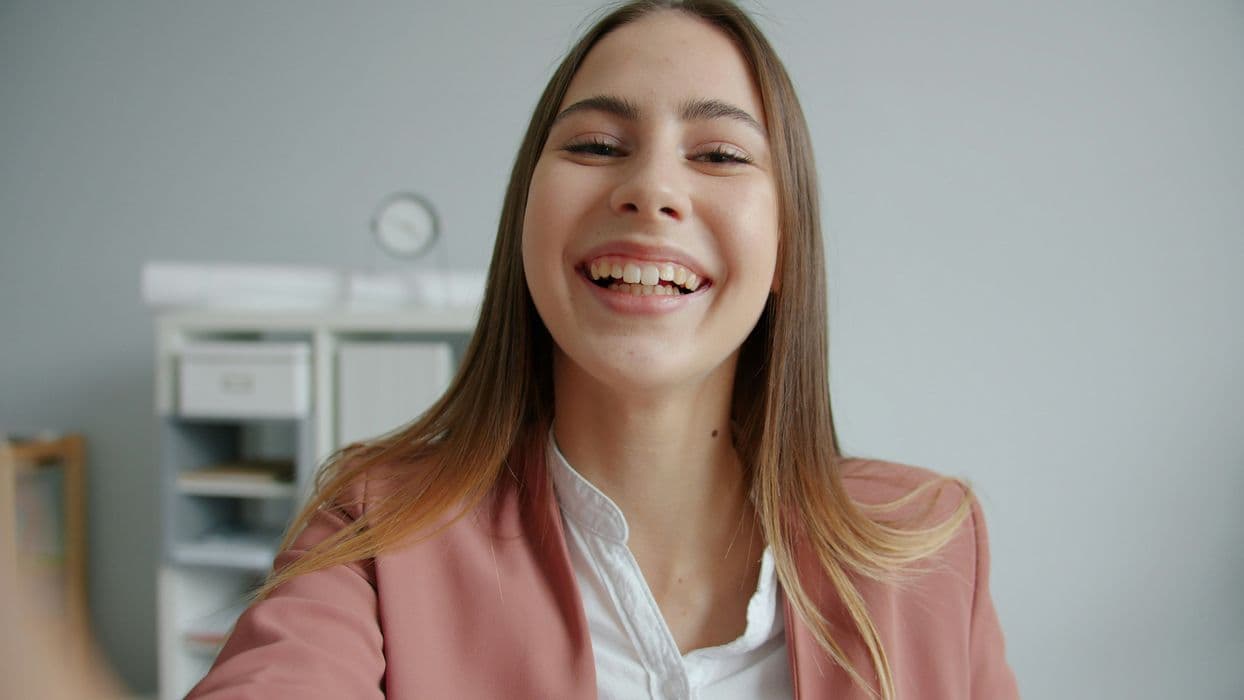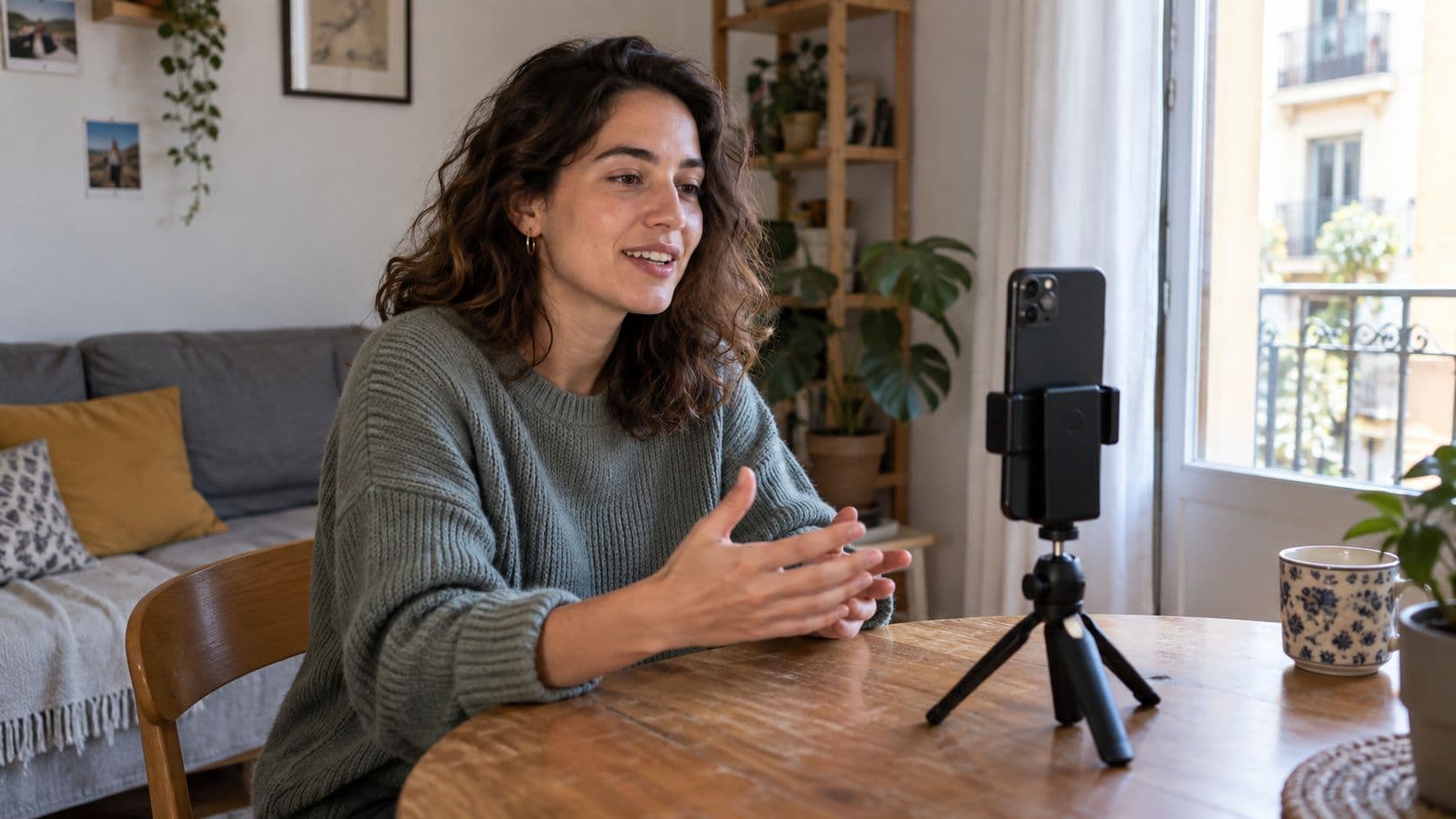
Recording an introduction video while looking for a flat can feel a little awkward. You just need to explain what kind of home you're looking for and what your plans are, in your own words. As a guide, Rentisure suggests an introduction lasting between 30 and 90 seconds.
What to say and in what order
Prepare three points before you press record:
Who you are: your name and a brief introduction.
What you're looking for: the areas you're interested in and your most important housing needs.
When you'd like to move: an approximate date or how flexible you can be.
Focus on what helps explain your search. If you work from home, for example, you could say you need space for a desk. If you're looking with your partner, explain that the home would be for both of you.
This fictional example can give you a starting point:
Hi, I'm Laura. I'm looking for a flat in Madrid to live in with my partner. We're interested in Arganzuela and areas with good transport links to Atocha. We need two bedrooms because we work from home on some days. We'd like to move in November, although we're a little flexible.
Adapt it to your situation and avoid memorising it word for word: a few notes beside your phone can help you stay on track.
How to record it without overcomplicating things
Place your phone on a stable support at eye level. Record near a window, with the light in front of you or slightly to one side. If the window is behind you, your face may look too dark.
Find a quiet moment and make a short test recording. Listen to it before continuing: a fan, the television or street noise might drown out your voice.
Check the background and your personal information
Move documents, photographs of other people and anything showing private information out of view. You don't need to give your current address, show your ID or share bank details.
On Rentisure, the owner can see your introduction when your request is compatible with their property. The video helps them get to know you; it is not used to calculate matches.
Do I need to edit the video?
A clear recording with good sound is enough. You can record it again if you make a mistake, without adding music or effects.
Does the video guarantee I'll get the property?
No. Introducing yourself does not guarantee acceptance or reserve a property.
content generated and validated in collaboration with AI